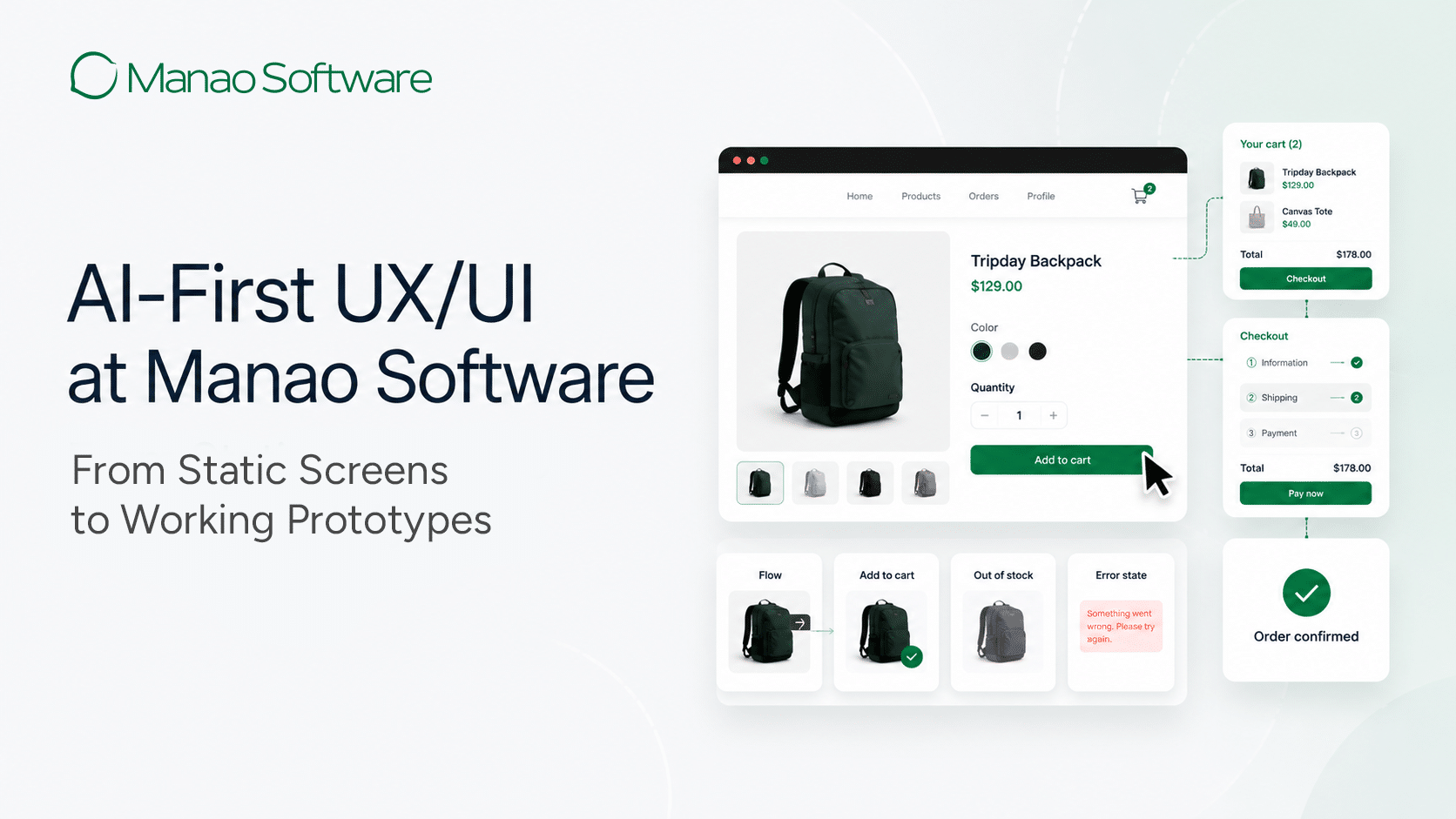
In 2026, AI image generation has moved beyond experimentation. It is now a practical part of professional design workflows, supporting UX/UI design, marketing communication, product visualization, and internal presentations. For many teams, the question is no longer whether to use AI, but how to apply it in a way that improves delivery speed without reducing quality, consistency, or reliability. This shift marks the practical maturity of AI-assisted development, where tools are no longer evaluated in isolation, but as part of how a team delivers value from concept to final asset.
The challenge is not a lack of tools. The market is crowded with platforms promising faster, better, and cheaper results. In practice, most teams quickly find that only a small number of tools remain useful once real constraints are applied, including client requirements, brand standards, legal considerations, collaboration workflows, and revision cycles.
The tools discussed in this article are based on hands-on use in active client projects across Thailand and international markets. They were selected and compared based on how effectively they support real delivery workflows, including speed of iteration, output reliability, text handling, and integration with existing design processes, rather than on trends, popularity, or feature lists.
Inside Manao Software’s AI Image Generation Workflow
AI image generation is now embedded in delivery workflows at Manao Software, supporting UX/UI design, presales materials, stakeholder presentations, and production assets for Thai and international clients. This is what AI-augmented software development looks like in practice: AI not as a replacement, but as a deeply integrated layer that accelerates every stage of the delivery process. The tools below represent the current working set used across different stages of delivery.
This should be understood as a practical snapshot rather than a permanent or universal standard.
How We Evaluated These Tools
These tools were chosen based on performance in real client projects rather than isolated demonstrations. The evaluation focused on practical delivery criteria: workflow fit, speed from generation to usable assets, consistency across iterations, text handling for UI and marketing layouts, commercial suitability, and cost relative to time saved.
The objective was not to compare features, but to define a reliable production stack for professional UX/UI work. Each tool plays a specific role in supporting the transition from early exploration to client-ready outcomes with speed, control, and predictability.
1. Adobe Firefly
Adobe Firefly functions effectively as a day-to-day production tool because it operates within the Adobe Creative Cloud environment designers already use. AI image generation becomes part of the natural design workflow rather than a separate experimental step. This shortens feedback cycles and reduces unnecessary revision loops.
How it’s applied
Designers use Firefly directly within Photoshop to generate, adjust, and refine images for client reviews, presales materials, and early concepts, keeping iteration fast and controlled.


Example: Generating and refining a photo directly within Adobe Photoshop using Adobe Firefly.
2. Flux 2 Pro
Flux 2 Pro is typically used when image quality and visual consistency are critical, particularly for assets that require polished and realistic outputs. Its results are more predictable and coherent across iterations, which reduces time spent correcting details prior to stakeholder review.
How it’s applied
It supports high-impact visuals such as product mock-ups and presentation assets, where outputs are refined to meet brand and layout expectations before sharing.

Example: High-fidelity product mock-up generated for presentation-ready visuals using Flux 2 Pro.
3. Midjourney
Midjourney is primarily used during early project stages, where the objective is exploration rather than final production. It enables a rapid generation of stylistic directions and visual concepts, supporting creative alignment between teams and stakeholders.
How it’s applied
It supports mood boards and early concepts. Strong visual directions are then selected and recreated within production-focused tools later in the workflow.


Example: Early-stage stylistic exploration created in Midjourney to align visual direction before production.
4. Ideogram
Ideograms prove particularly useful when visuals require clear and readable embedded text, an area where many AI image tools continue to struggle. Stronger text handling reduces manual correction and layout rework.
How it’s applied
It is commonly used for layout mock-ups, marketing graphics, and UI-related visuals where images and typography must function together with clarity.


Example: Marketing layout with embedded readable typography generated using Ideogram.
5. ChatGPT Image
ChatGPT Image supports rapid drafting and early visual alignment, particularly when teams are already working within the same collaborative context for writing, planning, and discussion. This reduces friction during early-stage ideation.
How it’s applied
It is used for drafting visuals in blog posts, internal documents, and placeholders to align ideas before investing time in higher-fidelity production assets.


Example: Rapid draft visuals created for early alignment using ChatGPT Image.
Comparison Table: Practical Use in Client Workflows
| Tool | Primary Role | Best For | Key Strength | Stage |
| Adobe Firefly | Core production and iteration | Daily design work, client-ready assets | Seamless Adobe integration, fast edits | Production & delivery |
| Flux 2 Pro | High-quality visual production | Polished visuals and product mock-ups | Consistent, realistic output | Near-final & final assets |
| Midjourney | Creative exploration and direction | Mood boards and early concepts | Rapid idea generation, visual range | Early concept stage |
| Ideogram | Text-focused visual layouts | UI and marketing visuals | More reliable text rendering | Layout & communication |
| ChatGPT Image | Rapid drafting and visual alignment | Placeholders and early content visuals | Speed and low-friction iteration | Planning & early iteration |
Other AI Image Generation Tools Worth Exploring
Beyond the tools used in day-to-day delivery workflows, several AI image generation platforms frequently appear in industry research and independent comparison studies. These tools are not part of Manao Software’s core production stack but remain relevant for specialized workflows and experimental use cases.
Nano Banana (Google Gemini Image)
Often recognized for strong image quality and realism, particularly in marketing and product visualization scenarios.
Stable Diffusion XL (Open-Source, Customization-Focused)
Valued by technical teams requiring deeper control, custom workflows, or local deployment capabilities.
Leonardo AI (Creative and Stylized Assets)
Commonly referenced for creative flexibility and suitability for stylized or illustrative outputs.
These tools reflect the broader evolution of AI image generation and where teams may find additional value depending on workflow priorities.
How to Choose the Right AI Image Generation Tool for Your Team
Choosing the right AI image generation tool is fundamentally a workflow decision rather than a feature comparison. The objective is to improve delivery speed and output quality without introducing unnecessary friction.
Fit with Your Workflow
Tools that integrate naturally with existing environments to reduce context switching and operational complexity, a core principle of any mature AI delivery platform strategy, where tooling serves the workflow, not the other way around.
Match the Tool to the Use Case
Different tools to support different stages of work, from exploration to production.
Balance Quality with Speed to Approval
High-quality visuals deliver value only when they do not slow delivery cycles.
Consider Commercial and Legal Readiness
Licensing clarity and data transparency are essential for client-facing work.
Evaluate Cost Relative to Time Saved
The true measure of value lies in reduced iteration and refinement time.
In practice, most teams benefit from a focused, well-defined tool stack rather than reliance on a single platform.
How Manao Software Turns AI Image Generation into Real Delivery Value
AI image generation is no longer about experimenting with new tools. Real value comes from selecting the right technologies and applying them within a structured delivery process. Outcomes depend less on any single platform and more on how effectively these tools fit real workflows, support consistent quality, and reduce friction from concept to client-ready assets.
Manao Software applies AI image generation through a disciplined production approach focused on workflow fit, speed to usable assets, reliability across iterations, and readiness for professional client environments. This enables AI to support UX/UI design, marketing materials, presentations, and production assets with control, predictability, and consistency.
As an AI software development company with hands-on experience across UX/UI, automation, and intelligent systems, Manao Software is positioned to help organizations apply AI with precision
For organizations seeking a partner that understands not only what AI can do, but how to apply it responsibly within real projects, Manao Software provides the technical expertise and operational discipline required to turn AI capabilities into measurable delivery value. If you need experienced UX/UI designers or creative software design solutions, contact us to discuss how we can support your next project.